
01
Generate from prompts
Describe your vision in natural language. Watch our generator bring your concepts to life instantly.
Convert plain language directions into images with controllable style, composition, and details.
Review sample prompts and adapt them for your own projects.
Prompt
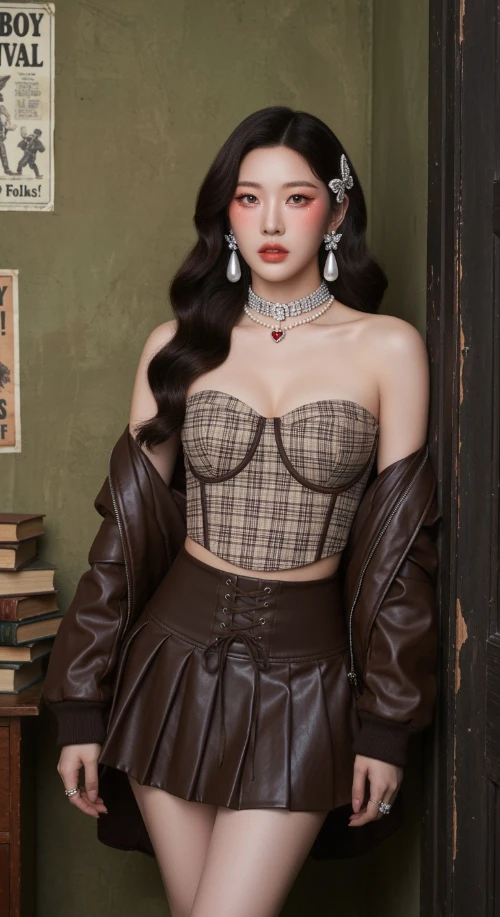
Vintage Western Pin-up with K-pop Model Aesthetic. Hyper-realistic editorial portrait photography. Subject: A striking, slender young Korean woman in her mid-20s. Long, dark brown Hollywood waves. Soft 'clean girl' makeup with peachy blush, subtle cat-eye, and nude-pink lips. Sultry, confident gaze directly at the viewer. Attire: Brown/beige plaid bustier crop top with a dark brown lace-up waist cincher. Matching dark brown pleated faux-leather mini skirt. Rich chocolate brown leather bomber jacket draped off the shoulders. Heavy rhinestone choker necklaces with a small red heart pendant. Large pearl drop earrings. Jeweled butterfly hair clips. Setting & Pose: Indoors, in a vintage American backroom. Leaning against a worn dark wooden door frame. Background: textured olive-green wall with faded vintage posters ('Cowboy Carnival', 'Factory Howdy Folks!'). A stack of aged books to the side. Medium full shot, cropped at upper thighs. Hands not visible, focus on face and torso. Photography Style: Ultra-detailed photo-realism, cinematic soft lighting, subtle analog film grain. Soft, cool, high-key lighting with minimal shadows. Shallow depth of field (bokeh). Shot on a professional camera (Sony A1/Canon R5) with an 85mm f/1.4 portrait lens at f/2.2. 8K resolution, hyper-detailed skin and fabric textures.
Generated Results
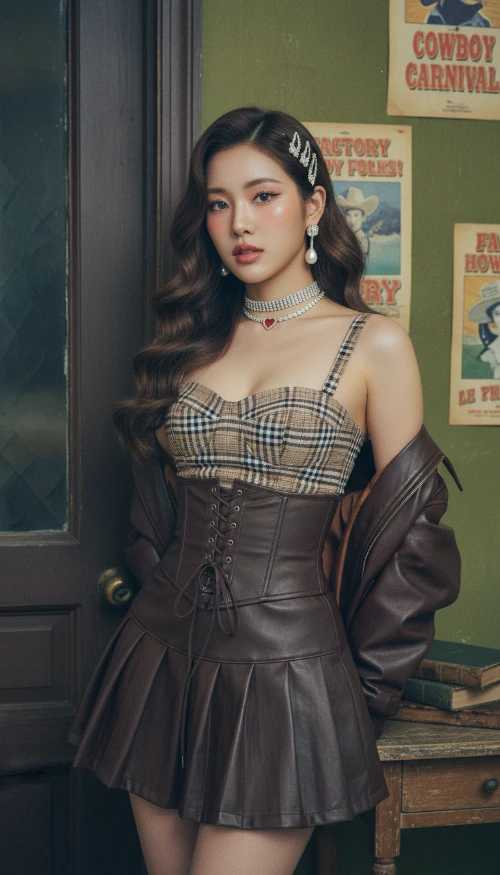
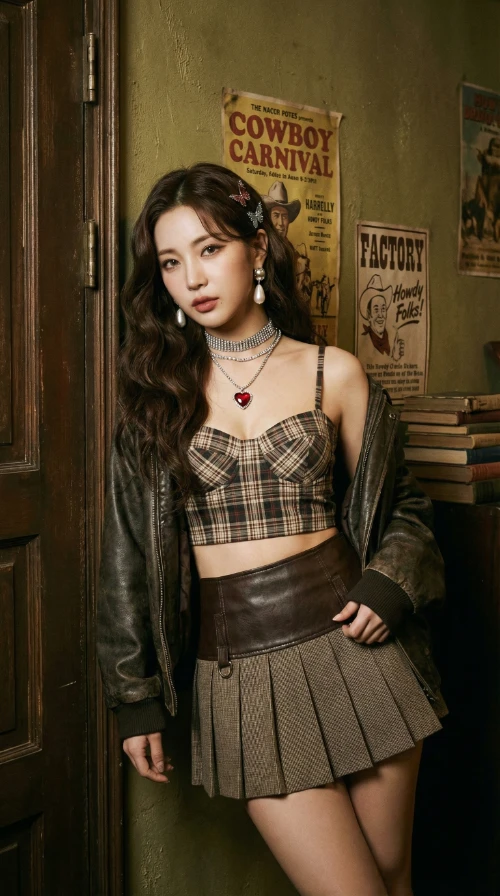
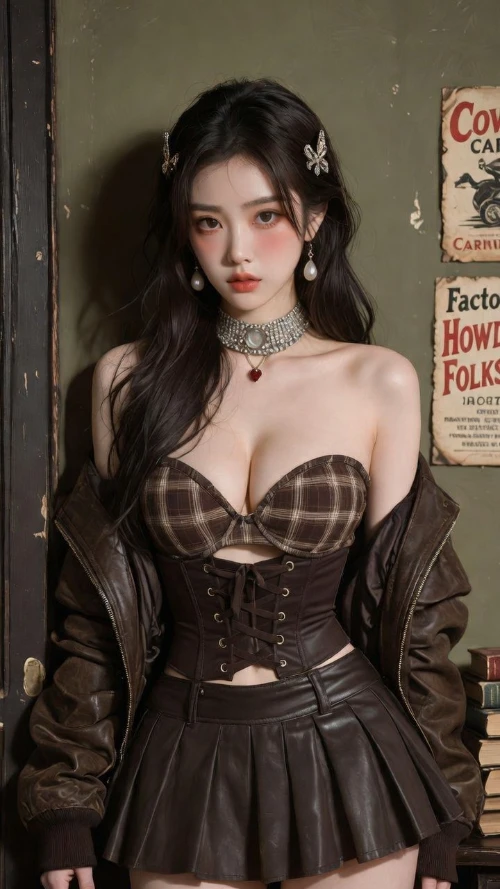
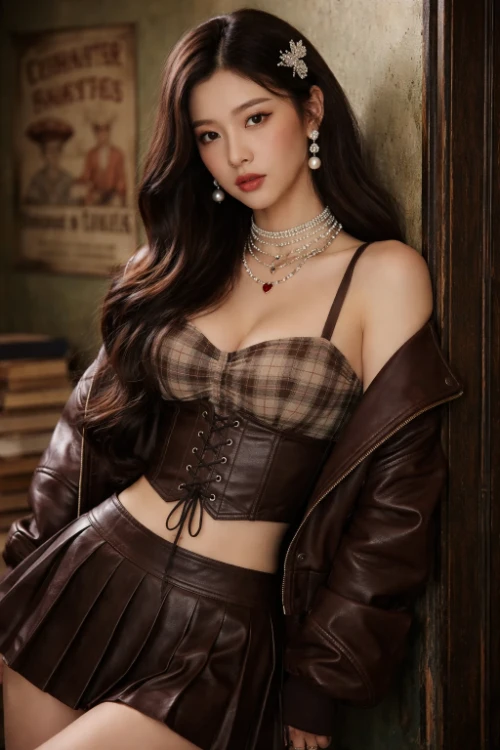
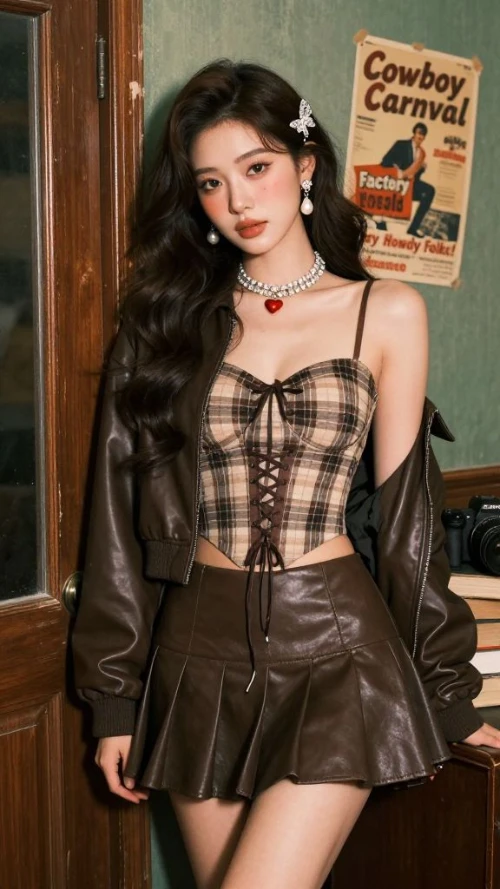
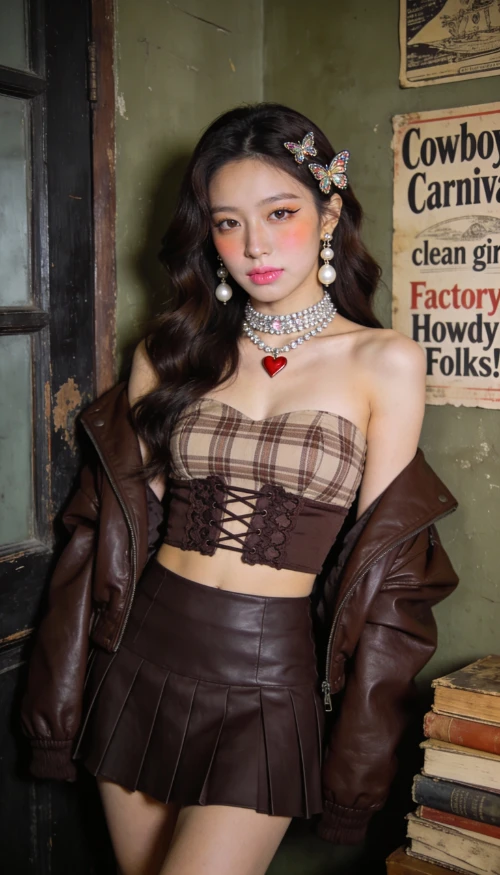
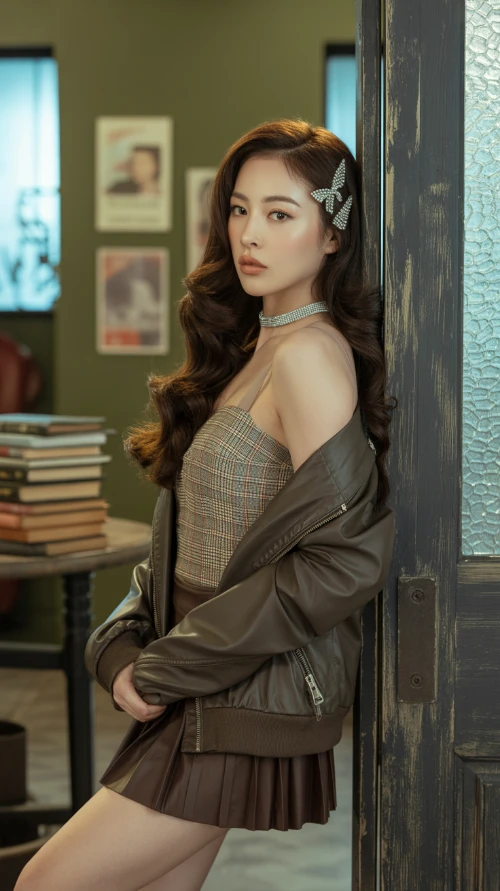
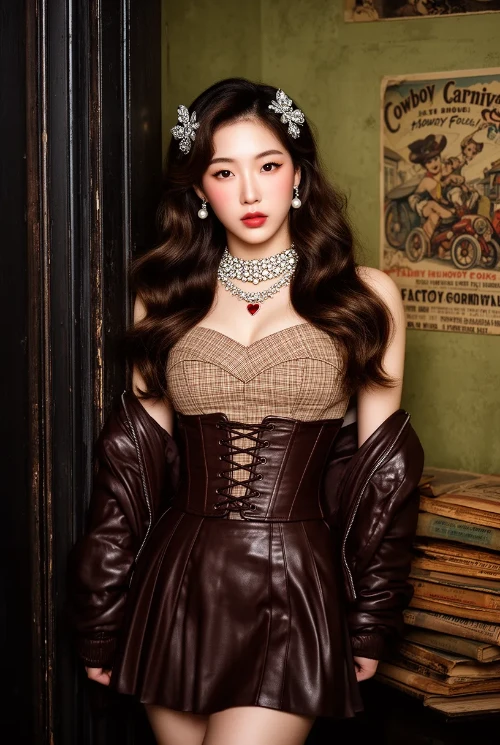


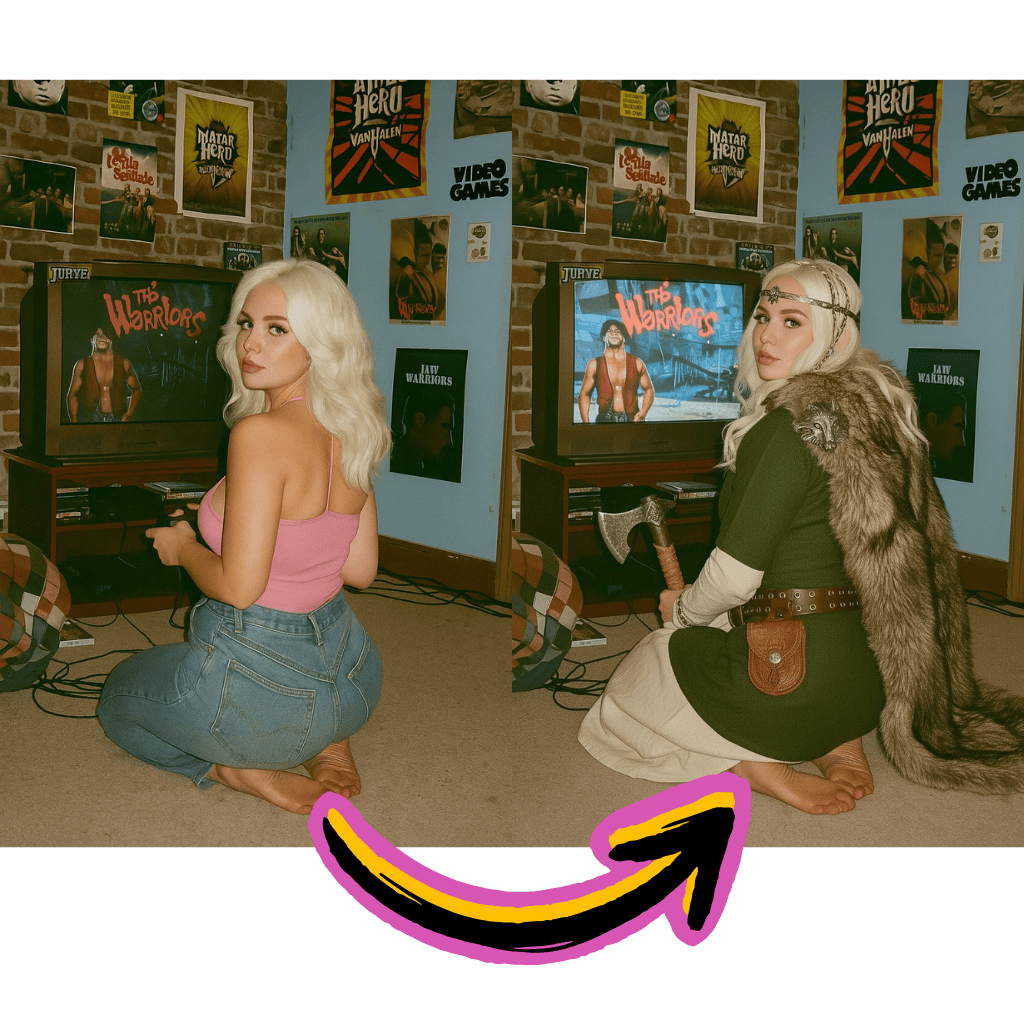
Describe your vision in natural language. Watch our generator bring your concepts to life instantly.
Produce photorealistic photographs, anime, oil paintings or abstract compositions. Explore unlimited creative directions.
Export high-resolution illustrations suitable for commercial projects, marketing materials, and print media.
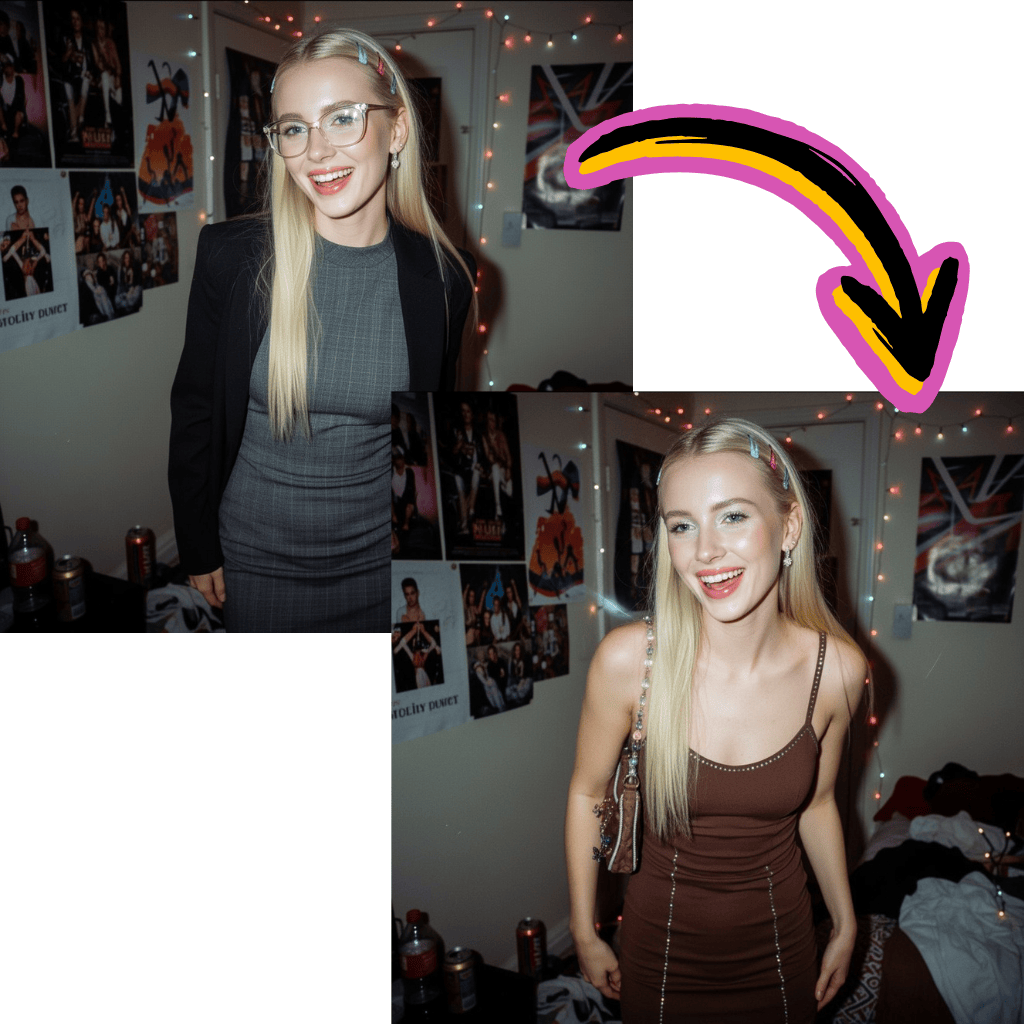
Start creating without payments or registration walls. No hidden fees or credit card required.
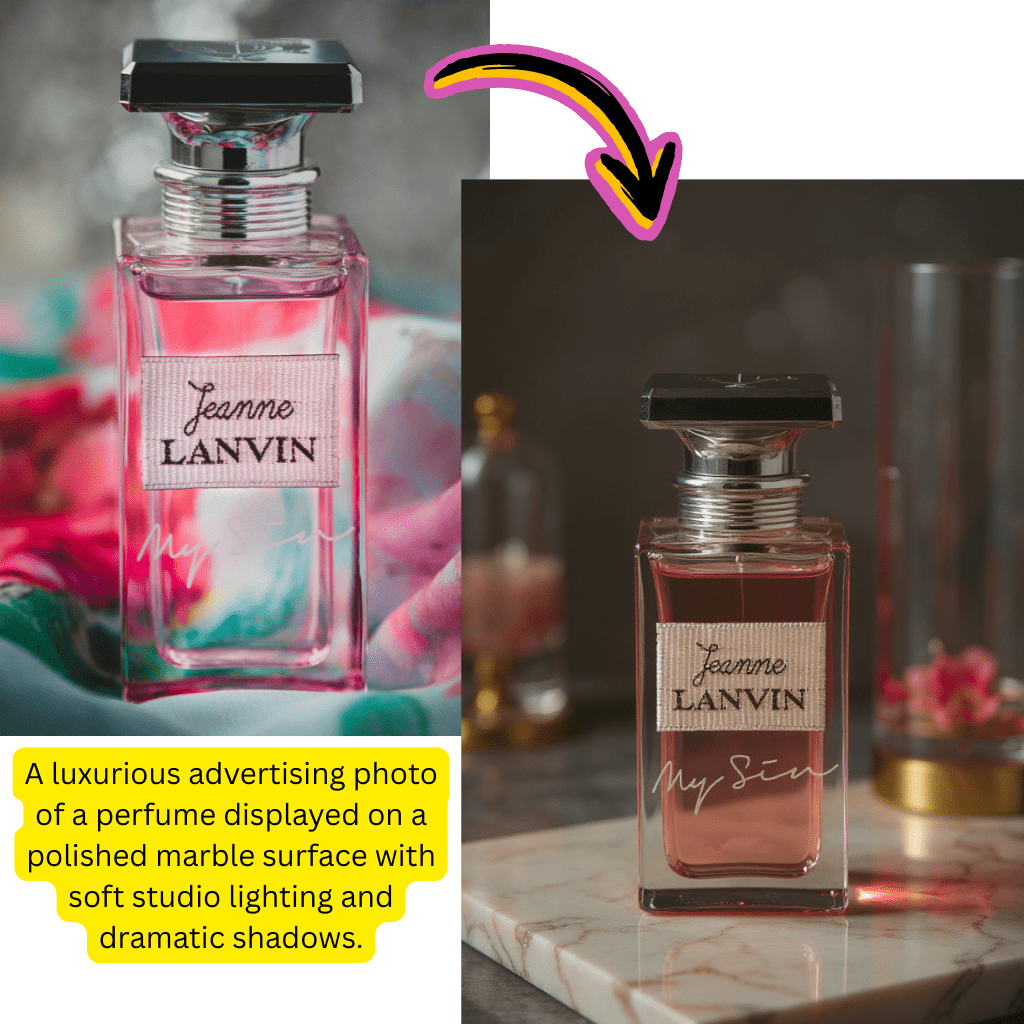
Work with Flux Pro, Nano Banana Pro, Gemini, Stable Diffusion, Whisk and Raphael models.
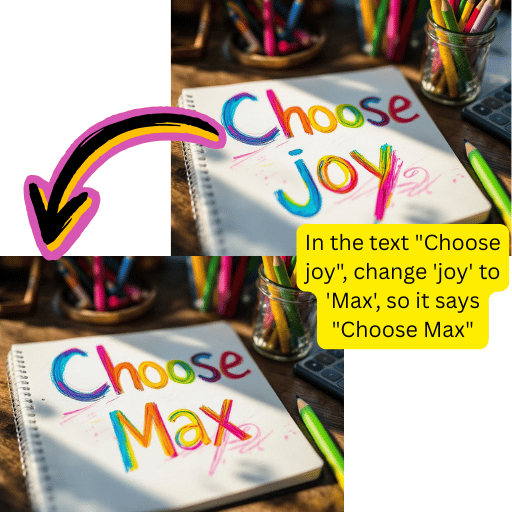
Create photorealistic, artistic, anime or abstract images within a single platform.
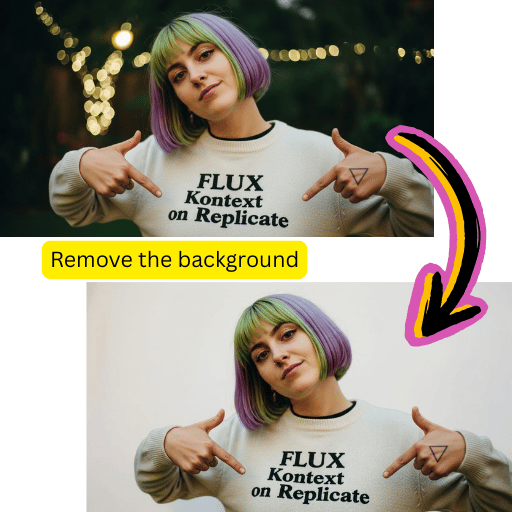
Receive polished works of art in seconds. Perfect for quick content creation and marketing workflows.
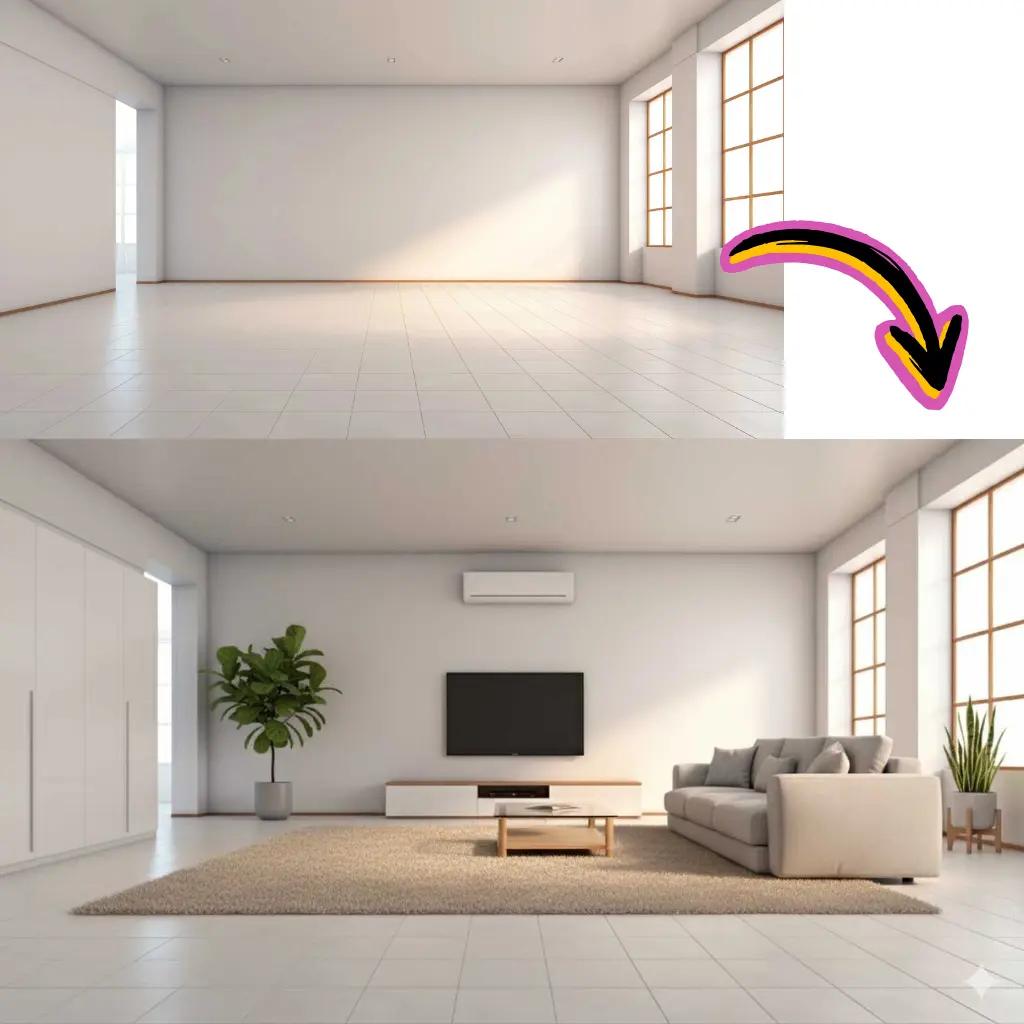
Describe the image you want in detail using natural language.
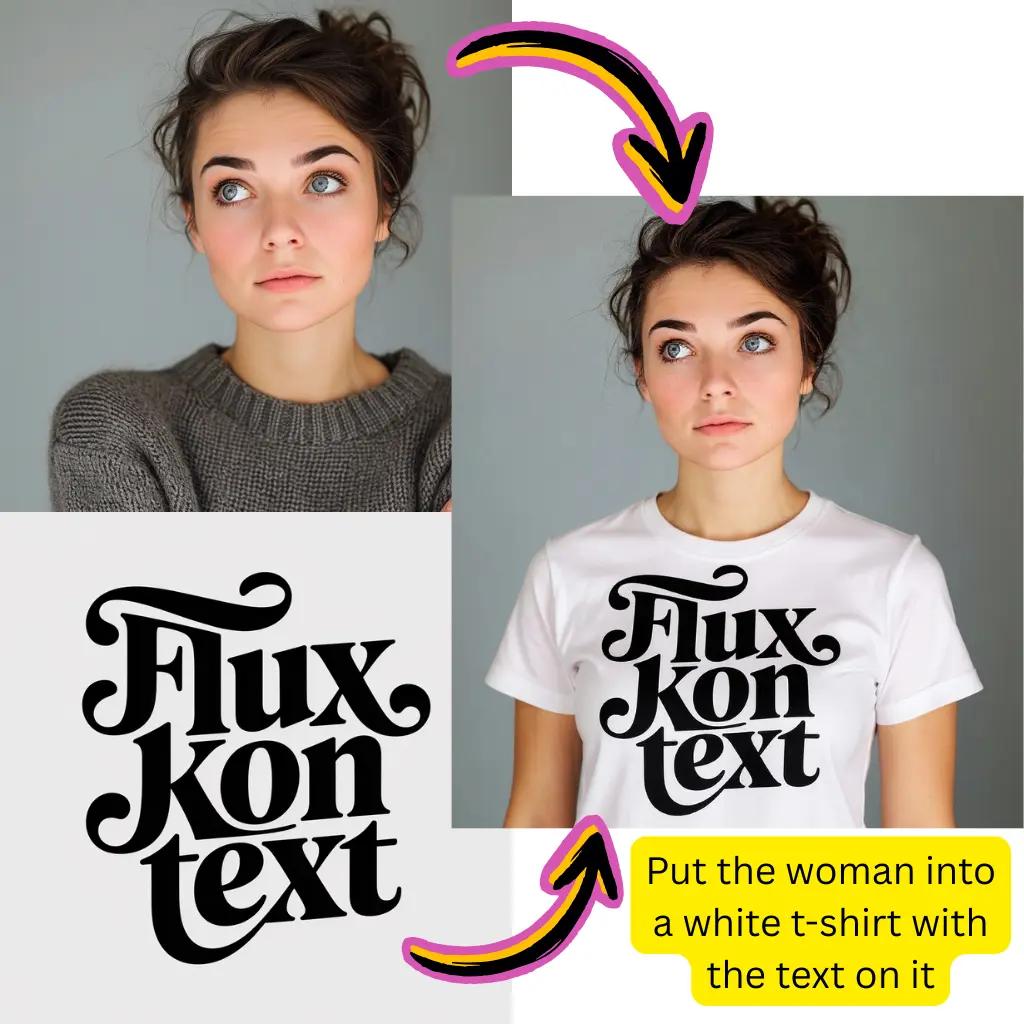
Choose Flux Pro, Nano Banana Pro, Gemini, Stable Diffusion or others.
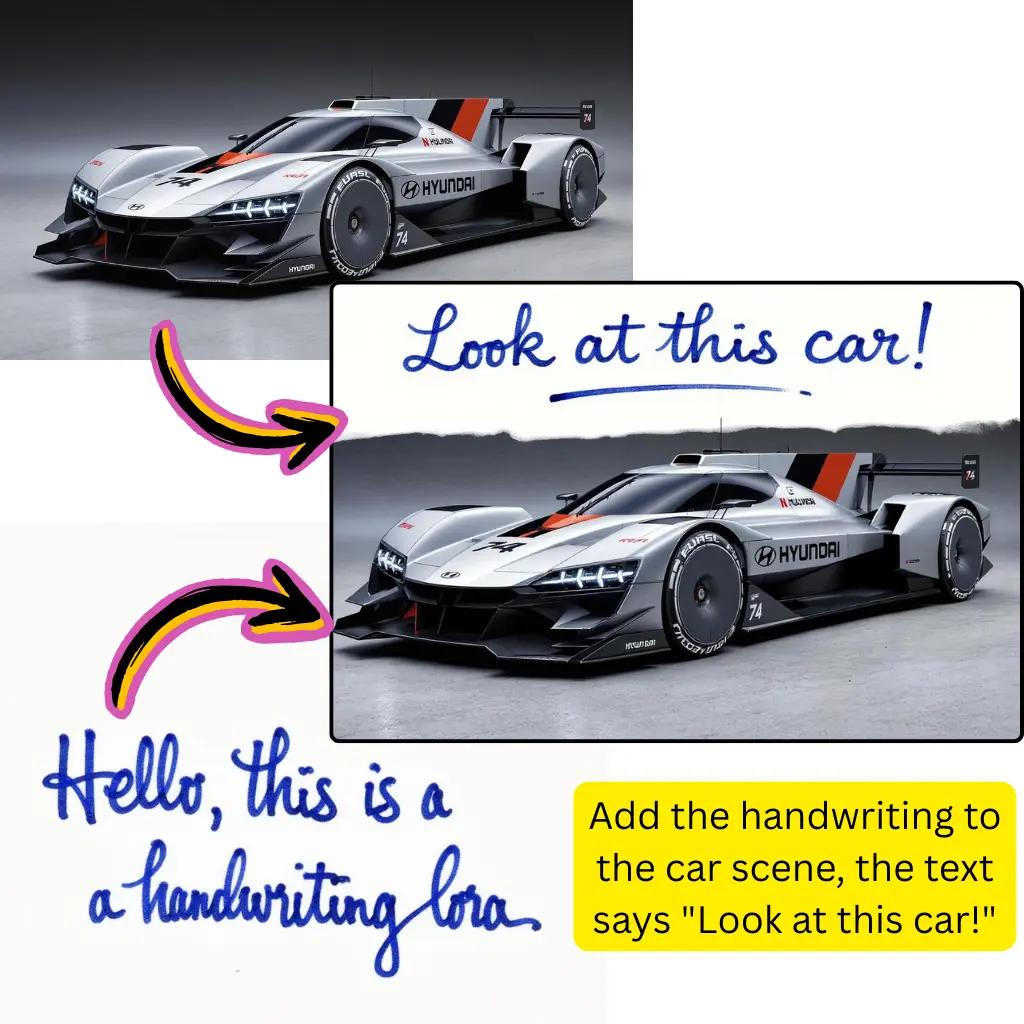
Instantly save your generated illustrations in high resolution.
Produce realistic photos that are indistinguishable from real photography using advanced models.
Create oil paintings, watercolors, sketches and various artistic interpretations.
Design unique characters, portraits and figures for your creative projects.
Build stunning natural and cityscapes from written descriptions.
Create product concepts and prototypes for commercial applications.
Download HD quality illustrations ready for professional printing and publishing.
Fast drafts
Quick iterations
Create and compare image ideas quickly
High-quality output
Polished results
Export images ready for practical use
Model flexibility
Multiple options
Switch between Flux, Gemini, and other available models
text to image AI uses machine learning to transform written descriptions into original works of art. Simply type in what you want to see – a sunset over the mountains, a futuristic cityscape, or an anime character – and our models will analyze your message to generate matching images. The technology interprets language patterns, artistic styles and compositional elements to produce unique creations in seconds.
Yes, getting started is completely free and requires no registration. Receive complimentary credits to explore all features including the Flux Pro, Nano Banana Pro, Gemini and Stable Diffusion models. No credit card or payment information is needed to start creating.
Our platform integrates multiple cutting-edge models, including Flux Pro, Flux Schnell, Nano Banana Pro, Gemini by Google, Stable Diffusion, Whisk, Raphael, Ideogram and Z-Turbo. Each model excels in different styles: Flux Pro for photorealistic results, Nano Banana Pro for creative compositions and Gemini for versatile generation.
text to image AI creates works of art solely from written descriptions, starting from a blank canvas. image to image generation, on the other hand, transforms an existing photo or artwork based on your request. Our platform supports both workflows: upload a reference for image to image conversion or start over with text to image creation.
You can generate virtually any visual style: photorealistic photographs, anime and manga, oil paintings, watercolors, digital art, 3D renderings, sketches, abstract compositions, pixel art and more. Specify the style you want in the message or let the model interpret your description naturally.
Yes, the results created on our platform are yours to use commercially. Whether for marketing materials, product listings, social media content, merchandise, or client projects, you retain all rights to the generated art. Please review our terms for specific license details.
Gemini by Google is one of the models available on our platform. While Google's standalone generator offers solid capabilities, our platform provides access to Gemini along with Flux Pro, Nano Banana Pro, Stable Diffusion, and other premium options in one place.
Our platform specializes in still images, but we also offer standalone video generation tools. For image-to-video conversion, explore our dedicated generator that transforms still artworks into animated sequences.
Nano Banana Pro stands out for its creative and stylized compositions with vibrant colors and strong artistic interpretations. It handles imaginative prompts well, which makes it useful for fantasy scenes, character designs, and unconventional concepts.
Be specific about themes, styles, lighting and composition. Include details like "golden hour lighting," "cinematic composition," or "watercolor style." Mention the mood you want: serene, dramatic, fun. Experiment with different phrases and model selections to refine your results.
Yes, our platform includes background editing, enhancement, and removal tools. After generating your artwork, upscale the resolution, remove backgrounds for transparent exports, or make specific edits.
Free users receive generous daily credits for exploration. For unlimited generation and priority processing, upgrade to our premium plans. Check out the pricing section for detailed comparisons and find the option that suits your creative needs.