
01
Prompt-based editing
Describe your vision in words. Adjust colors, swap items, or instantly apply a new aesthetic.
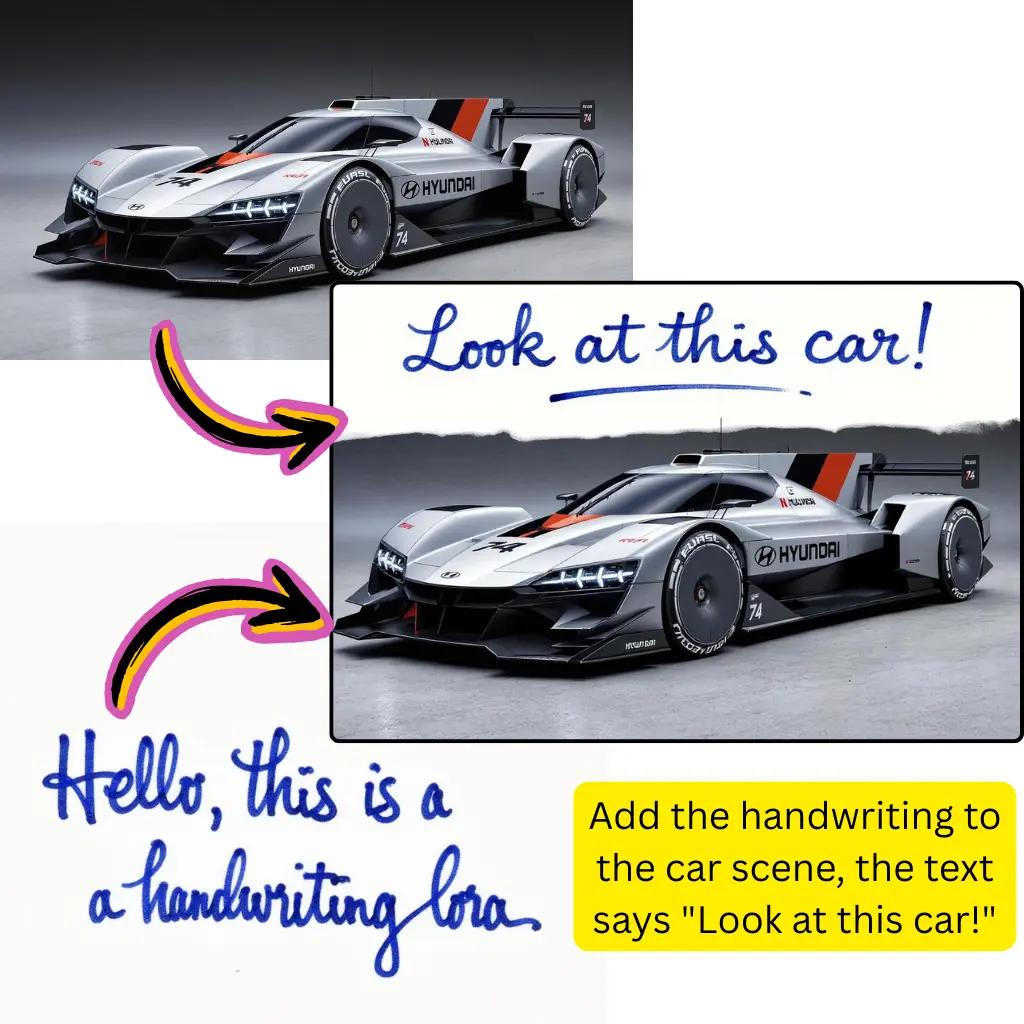
Upload an image, describe the change, and quickly generate clean variations.
See real before and after examples and adapt the same prompt logic to your own assets.
Original Image

Change the clothes to sports
Generated Results










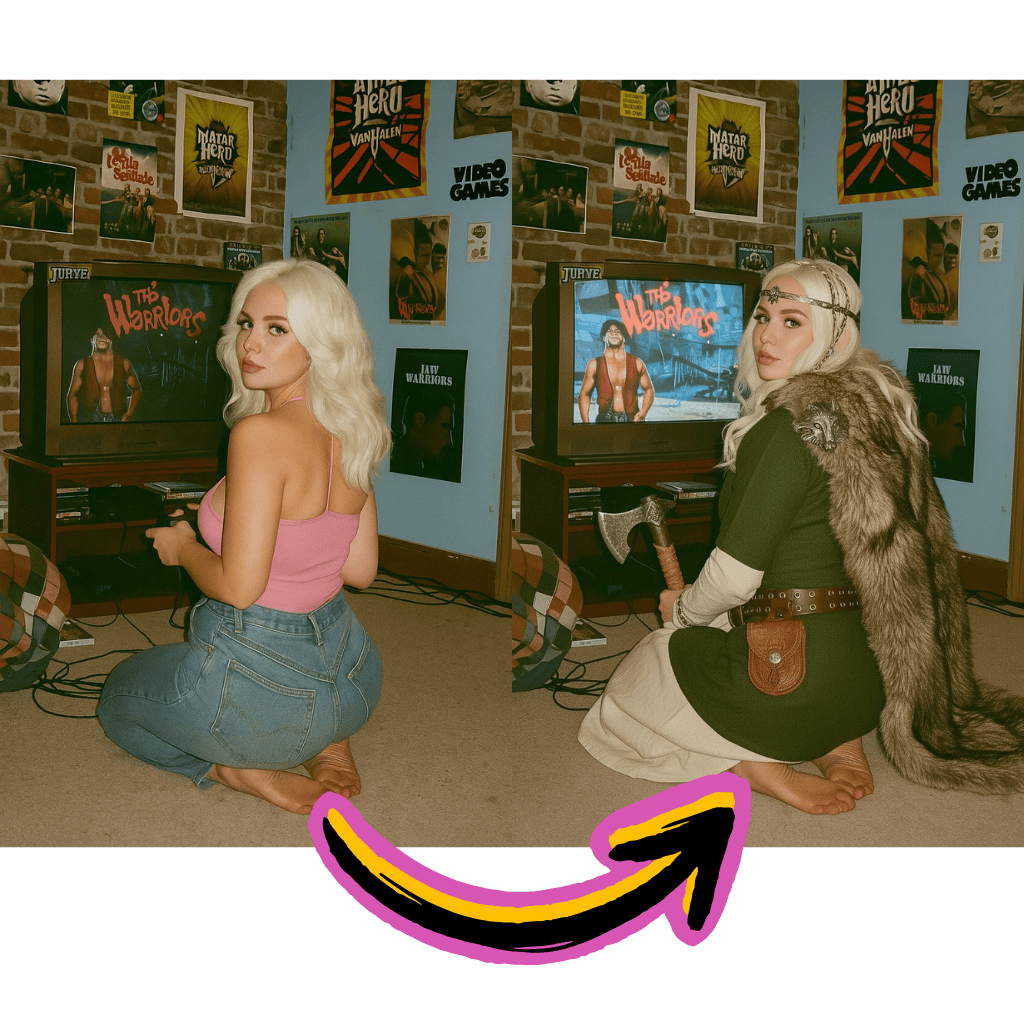
Describe your vision in words. Adjust colors, swap items, or instantly apply a new aesthetic.
Turn portraits into paintings, sketches or anime. Explore countless creative directions.
Maintain the original composition while changing specific elements with high precision.
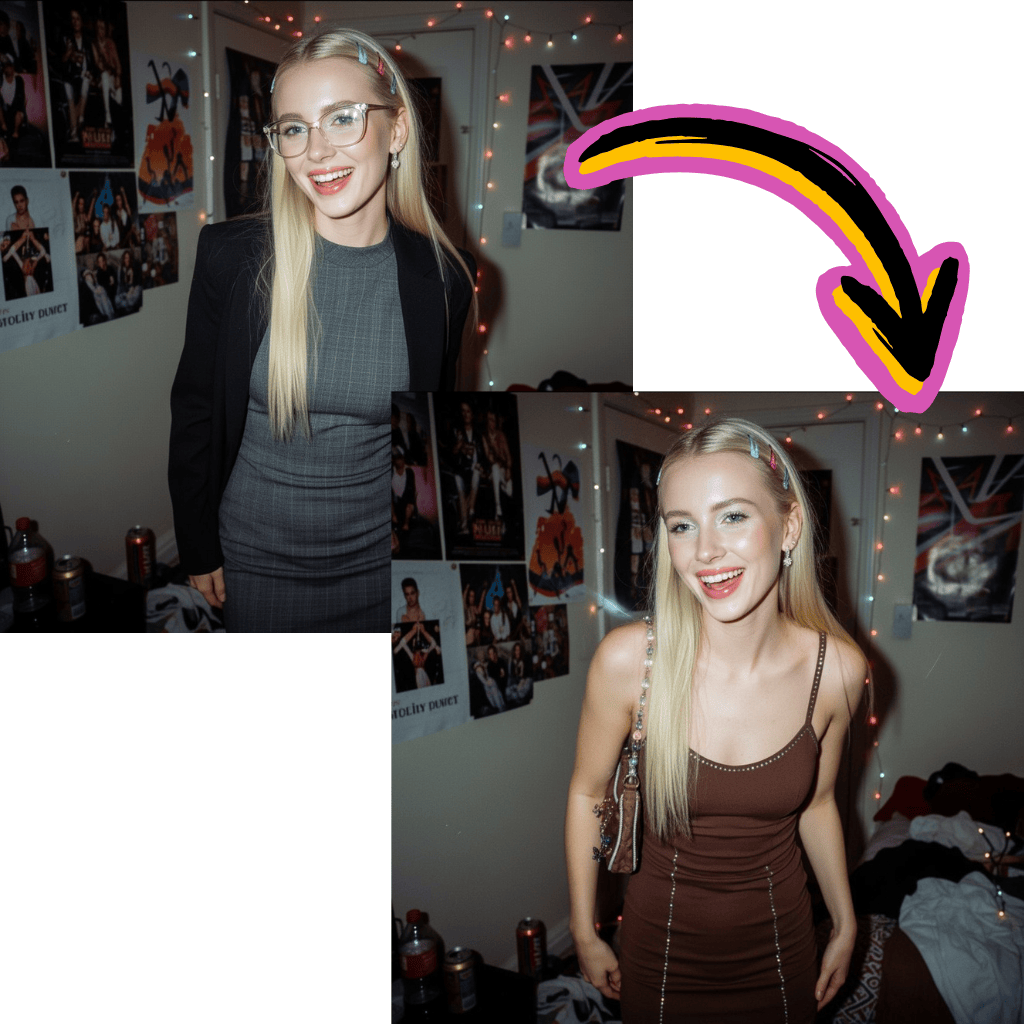
Start transforming images without payment. No registration walls or hidden fees.
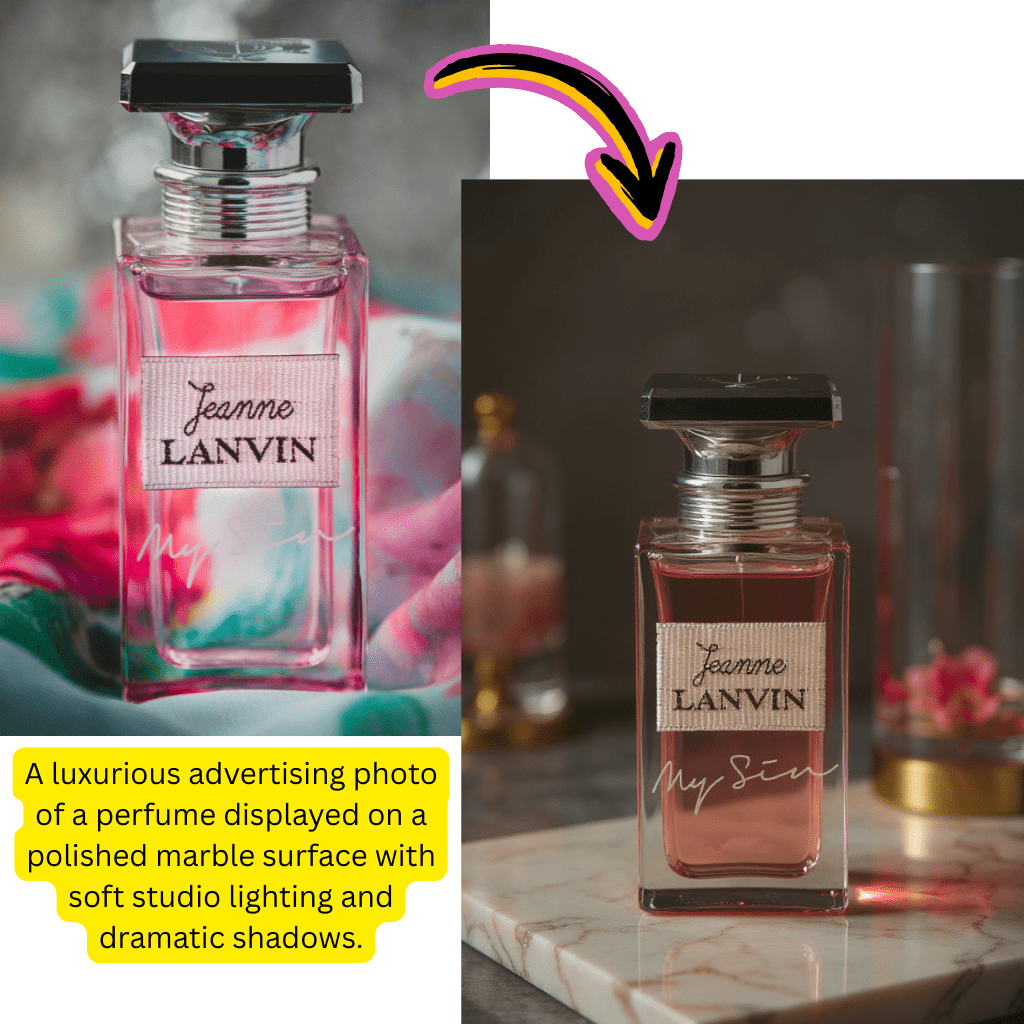
Work with Nano Banana Pro, Flux Kontext, Kling AI, and Gemini technology.
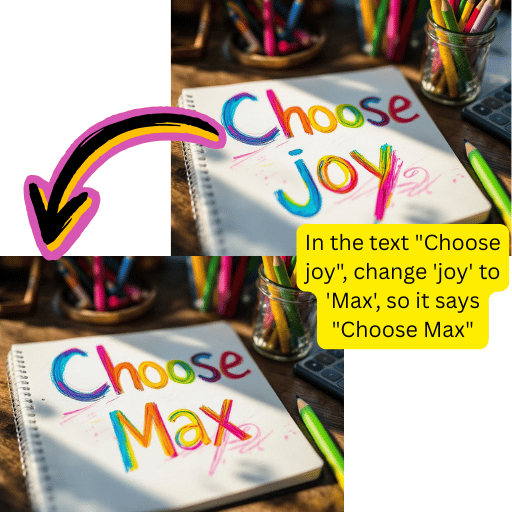
Background removal, enlargement, painting and format conversion in one place.
Get polished results in seconds. Perfect for rapid content creation workflows.
Drag and drop it into the online workspace.
Describe the changes you would like to see.
Choose Nano Banana, Flux, Kling or others.
Instantly save your transformed creation.
Apply anime, oil painting, cyberpunk or watercolor aesthetics to any image.
Convert raw drawings into fully rendered images. Ideal for designers and artists.
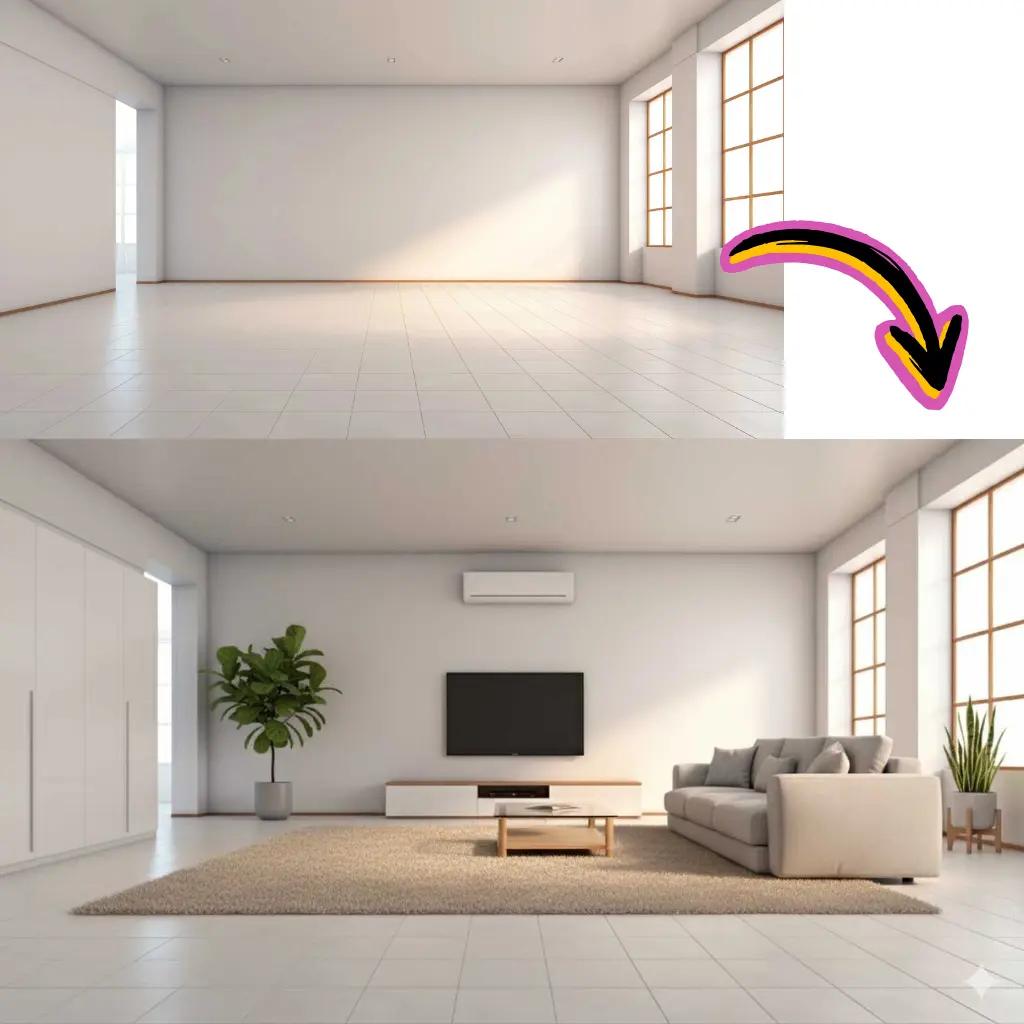
Fill in missing areas or delete unwanted objects while preserving visual consistency.
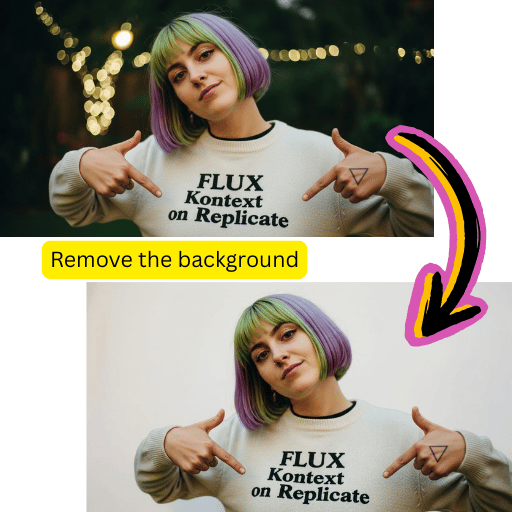
Extract topics accurately. Replace backgrounds or export transparent files.
Generate multiple versions from a single download. Explore different artistic paths.
Improve resolution and clarity without losing fine details or introducing artifacts.
Fast edits
Quick iterations
Create and compare image ideas quickly
High-quality output
Polished results
Export images ready for practical use
Model flexibility
Multiple options
Switch between Nano Banana, Flux, Kling, and Gemini
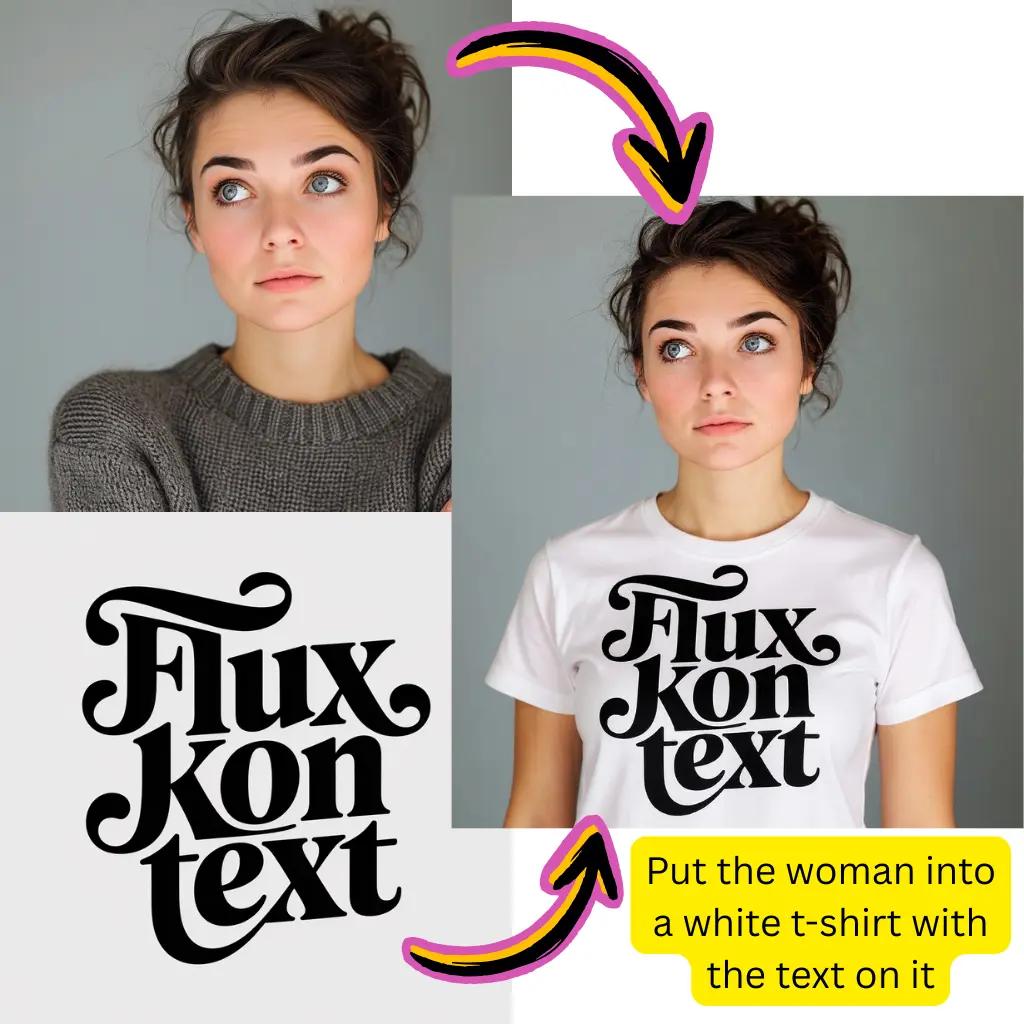
This technology takes your existing image and transforms it based on text instructions. Unlike text to image generation that is created from scratch, image to image preserves the structure and composition of the original while applying new styles, colors, or elements. You can turn photos into paintings, change seasons into landscapes, change clothes into portraits, or completely restyle product photos.
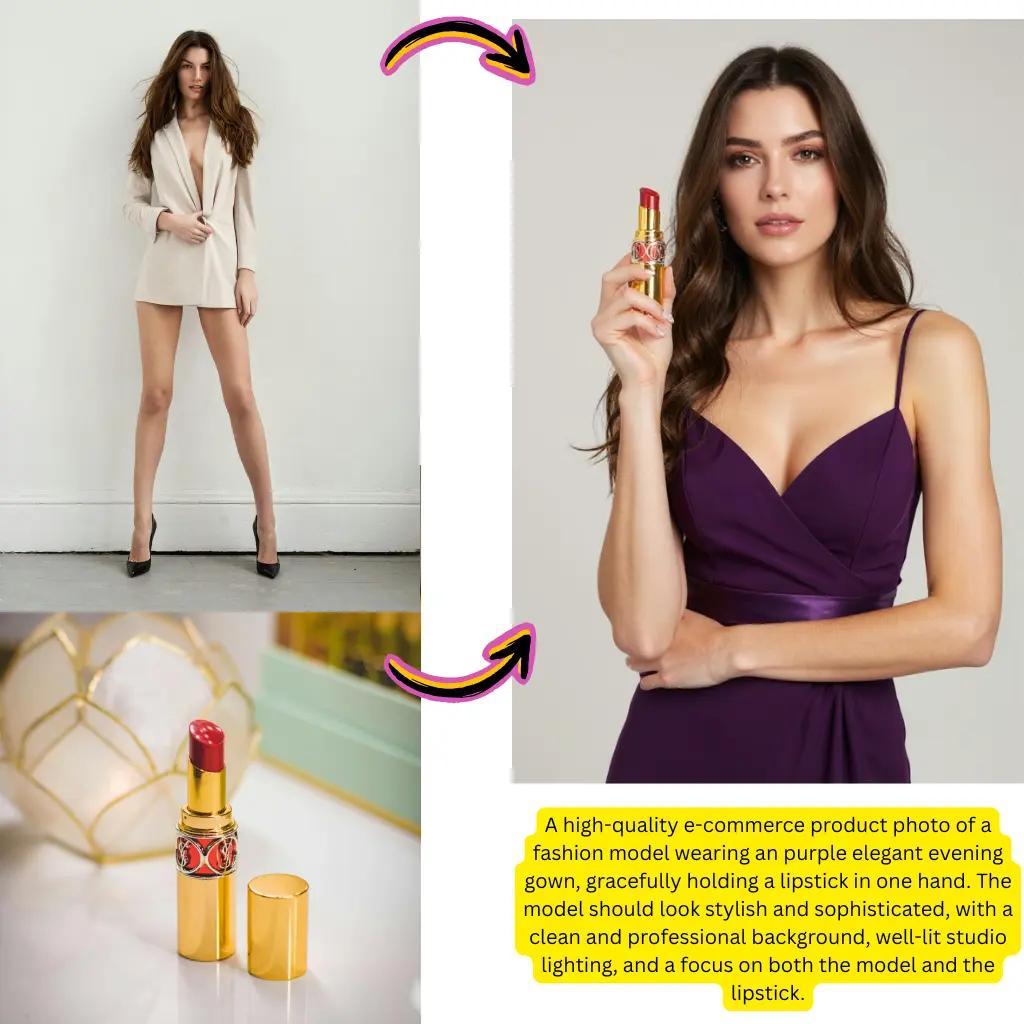
Our platform integrates multiple models, including Nano Banana Pro for realistic edits, Flux Kontext for creative styles, Kling AI for dynamic effects, Gemini for smart modifications, and Higgsfield for specialized tasks. Each model has unique strengths, so you can experiment until you find the best fit for your project.
Getting started is free and requires no registration. Receive complimentary credits to explore the features. Premium tiers unlock additional processing power, priority queues, and higher-resolution results.
Upload your file and use the dedicated background removal tool or write a prompt like "remove background" or "transparent background." The system uses advanced segmentation to accurately extract subjects. You can then download PNG files with transparency or place them on new backgrounds.
Yes. Our platform includes image-to-video capabilities. Upload a still image and our video generation tools will animate it with natural motion.
We accept JPG, PNG, WebP, AVIF and the most common formats. For output, you can download as JPG for smaller files, PNG for transparency support, or convert between formats. The built-in converter handles AVIF to JPG, PNG to JPG and other conversions smoothly.
While apps like Pixelcut, Hypic, and other mobile editors offer convenient on-device editing, our browser-based platform provides access to more powerful models without installation. You get professional-grade transformations, batch processing, and up-to-date technology.
We support broad creative expression while maintaining community guidelines. The platform hosts artistic, commercial and experimental projects. There are certain restricted categories to ensure responsible use, but most creative and professional use cases are fully supported.
Absolutely. The Gemini integration enables intelligent modifications, contextual enhancements, and a strong understanding of your prompts. Whether you want subtle touch-ups or dramatic transformations, Gemini-powered features deliver nuanced results.
Nano Banana Pro is a specialized model optimized for realistic transformations. It stands out for maintaining natural textures, precise lighting, and photographic quality.
Flux Kontext specializes in creative styling and artistic transformations. It interprets prompts with a strong artistic sensibility, making it useful for turning photographs into illustrations or exploring experimental directions.
Our HD upscaling feature improves resolution while preserving fine detail. Whether you have an old photograph, a compressed web graphic, or a small thumbnail, the scaler reconstructs clarity and sharpness for print-ready or high-definition results.
Yes, beyond transforming existing images, you can also create entirely new images from text descriptions. The same models drive both workflows, so you can build from scratch or modify images based on your project needs.
Most transformations complete within 10 to 30 seconds, depending on the complexity and model selected. Our infrastructure optimizes queue management so you spend less time waiting and more time creating.
The results created on our platform are yours to use. Whether for marketing materials, product listings, social media content, or client projects, you retain the rights to your transformed creations. Please see our terms for specific licensing details.
While Google offers several creative technologies, our platform aggregates multiple specialized models into a unified interface. You get Gemini capabilities along with Nano Banana, Flux, Kling, and others, so you can choose the right tool for each task without switching between services.
No. The interface is designed for everyone, from beginners to professionals. Simply upload an image, describe what you want in simple language, and let the models handle the technical complexity. Advanced users can adjust the parameters, but excellent results do not require specialized knowledge.
Batch processing allows you to transform multiple images with consistent settings. This is especially useful for product photography, creating content at scale, or applying a consistent style across a collection. Upload multiple files and apply the same prompt to all of them at once.