
01
Text-to-image creation
Describe your vision in natural language. Seedream 4.0 interprets your directions and generates polished images.
Generate new images or transform existing images with Seedream in a streamlined workflow.
Explore Seedream examples and reuse message structures that match your style goals.
Original Image

Change the clothes to sports
Generated Results










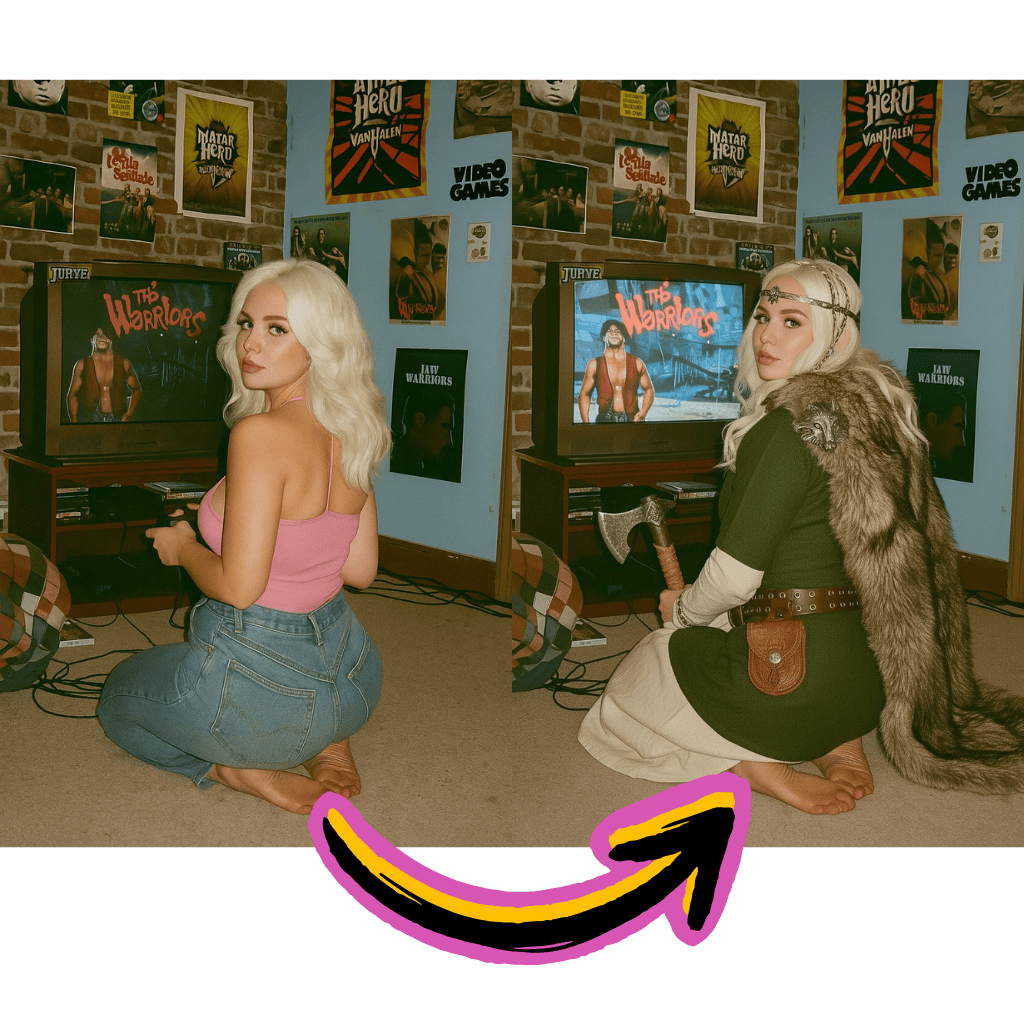
Describe your vision in natural language. Seedream 4.0 interprets your directions and generates polished images.
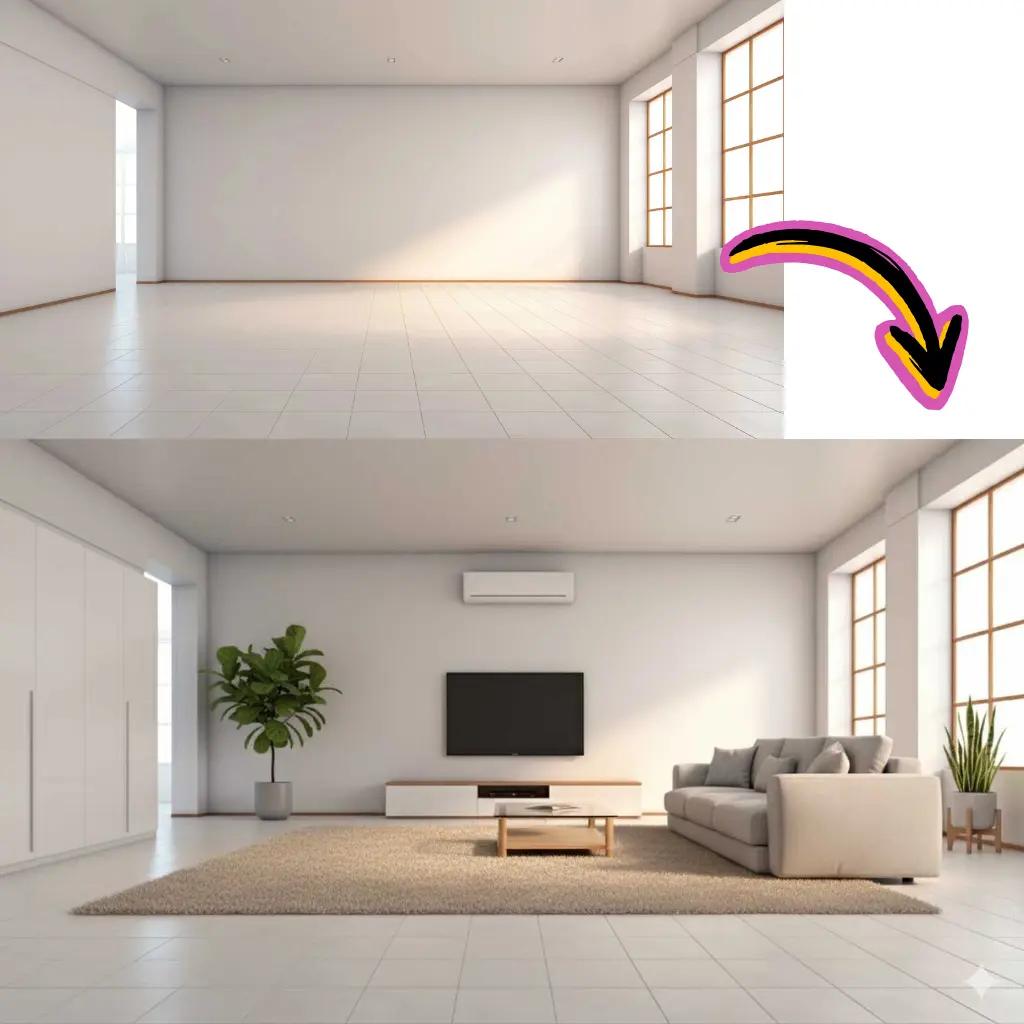
Upload existing images and apply creative edits. Change styles, swap elements, or improve quality.
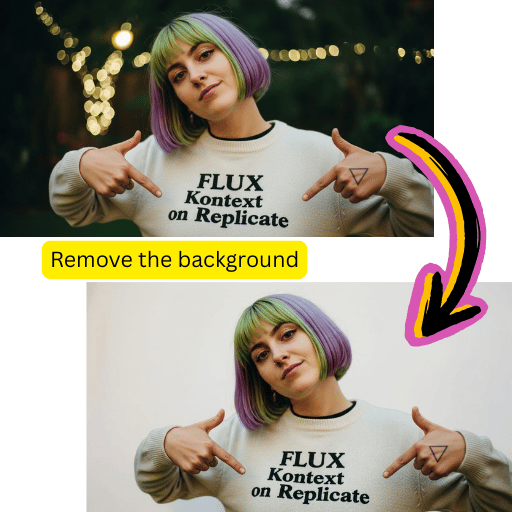
Extract subjects accurately. Export transparent PNG files or place them into new scenes.
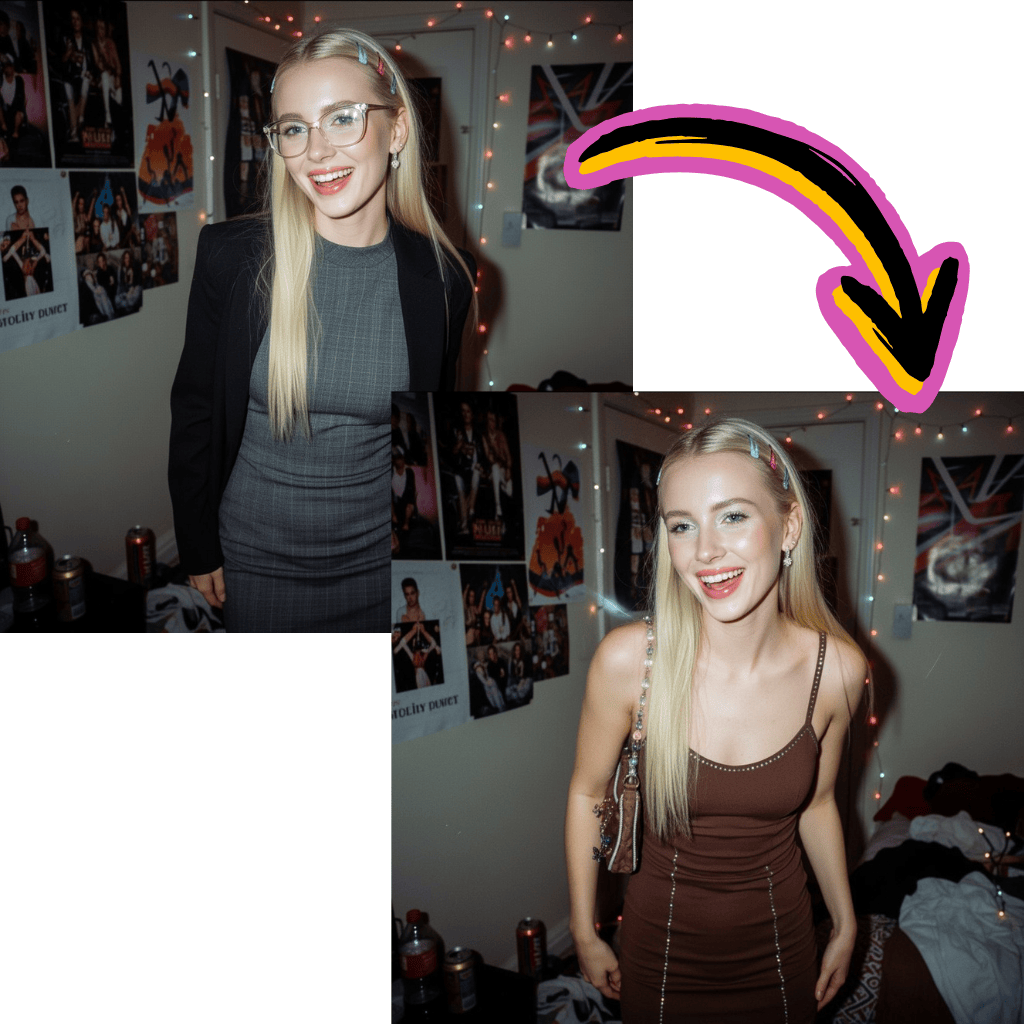
Start creating without credit cards or registration walls. Complimentary credits included for new users.
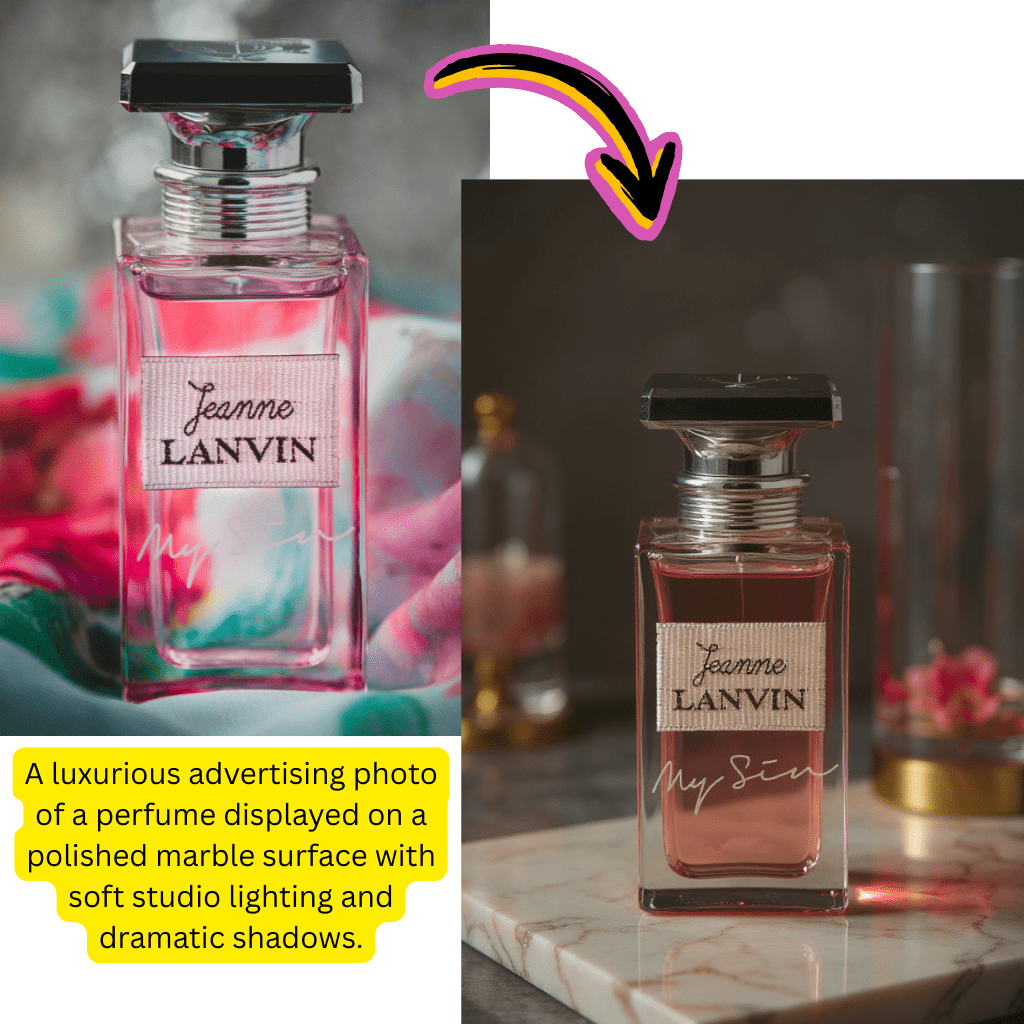
Access ByteDance's most advanced templates for intelligent, contextual visual generation.
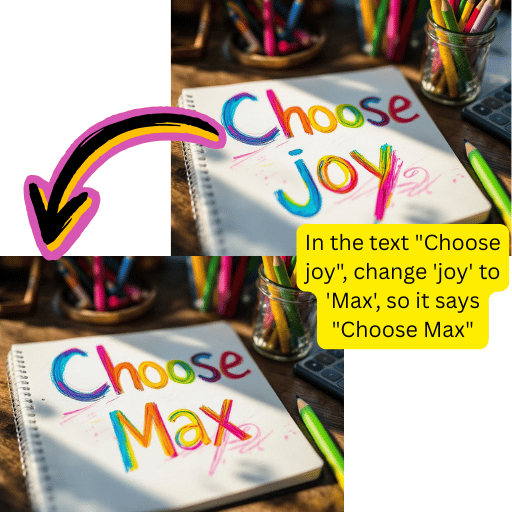
Background removal, upscaling, format conversion and retouching in a single workspace.
Get polished results in seconds. Ideal for rapid content creation workflows.

Describe the image you want in natural language.
Select Seedream 4.0, 4.5 or other available models.
Process your request with Seedream technology.
Save your output in the format JPG, PNG, or WebP.
Generate original images from text descriptions. Photorealistic or artistic styles available.
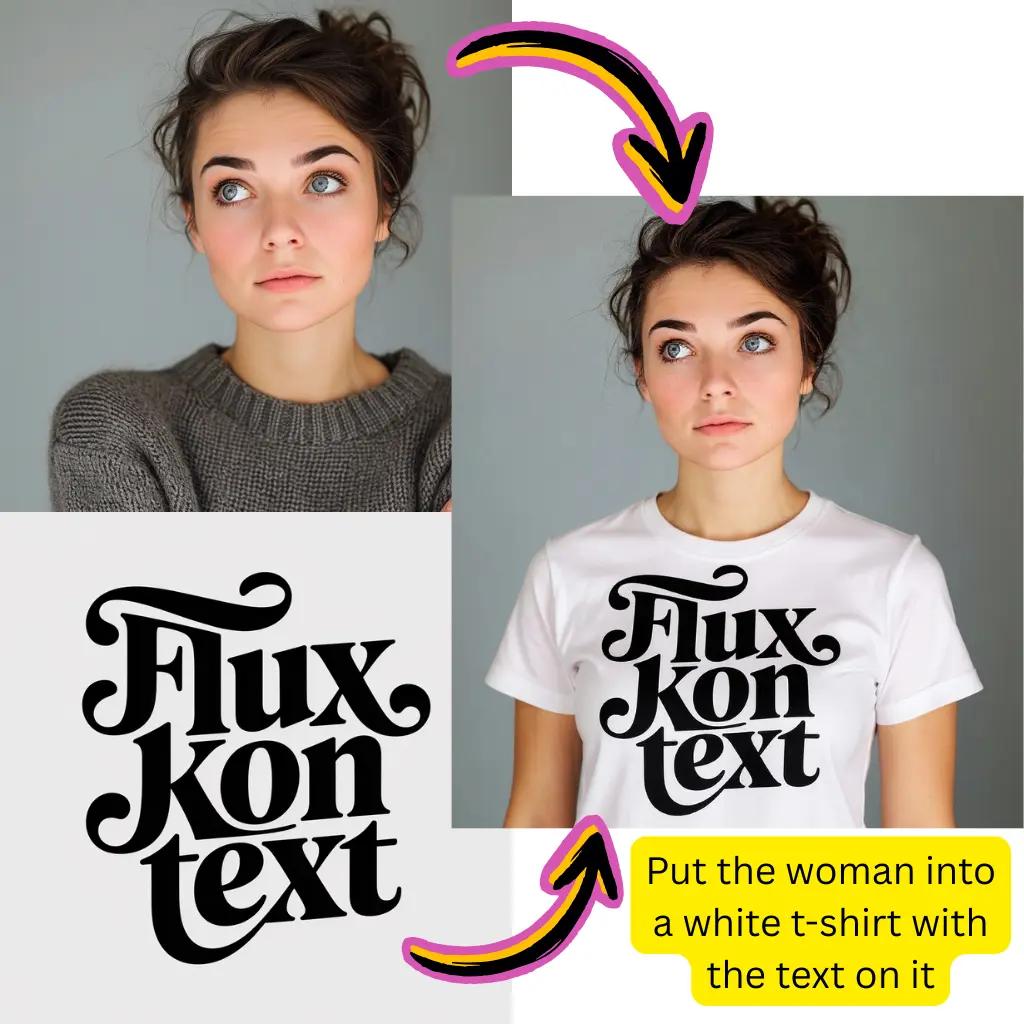
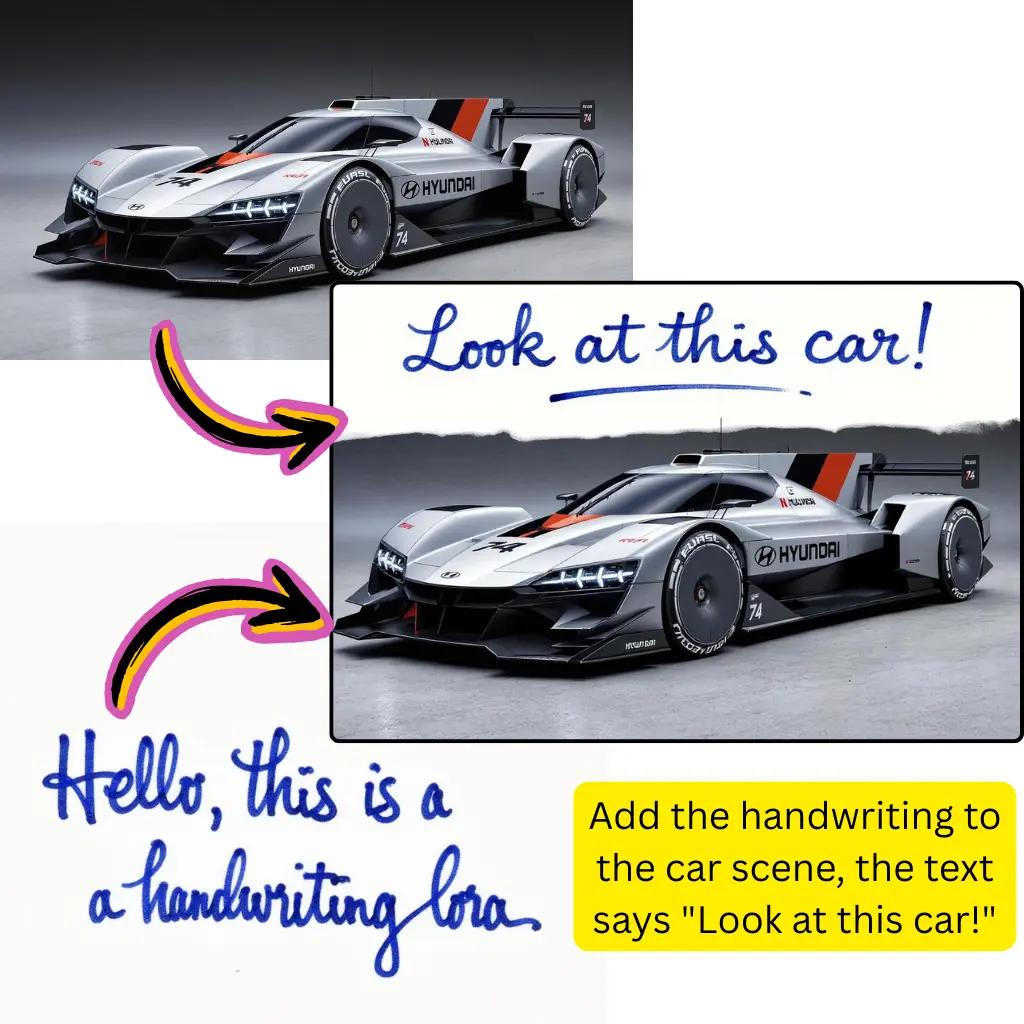
Transform existing photos with text prompts. Restyle, improve, or completely reinvent the image.
Extract subjects accurately. Add new backgrounds or save transparent files.
Optimize exposure, contrast, and saturation with smart adjustments.
Improve resolution and recover details from low quality sources.
Convert between JPG, PNG, WebP and AVIF with optimized compression.
Fast drafts
Quick iterations
Create and compare image ideas quickly
High-quality output
Polished results
Export images ready for practical use
Model flexibility
Multiple options
Switch between Seedream versions and styles
Seedream AI Image Generator is a visual creation tool developed by ByteDance. It uses advanced deep learning models, including Seedream 4.0 and Seedream 4.5, to turn text descriptions into images. Describe what you want to create and the system will generate results in seconds.
Yes, you can start creating free without an account. New users receive complimentary credits to explore features such as text-to-image generation, photo editing, and background removal. Premium tiers unlock additional processing power, priority queues, and higher-resolution results.
Seedream 4.0 offers strong prompt understanding and visual quality for general creation tasks. Seedream 4.5 builds on that foundation with improved detail rendering, better text handling inside images, and stronger consistency for complex scenes.
While Midjourney focuses on artistic interpretation and usually runs through Discord, Seedream AI Image Generator offers an optimized web experience with strong photorealism. The Seedream 4.0 and 4.5 models are useful when you need precise prompt following for commercial or product-focused content.
Absolutely. Beyond text-to-image generation, you can upload existing images and transform them. The image editing workflow lets you restyle photos, change backgrounds, swap elements, or apply artistic effects while preserving the core composition.
Flux AI is known for flexible, customizable workflows. Seedream focuses on out-of-the-box precision and photorealistic quality. Our platform offers both options, so you can choose the model that best matches your project.
Nano Banana Pro is powered by Google Gemini technology, which excels in smart photo editing and contextual modifications. Seedream AI Image Generator uses ByteDance's proprietary models optimized for text-to-image generation with strong prompt following. Many creators use both tools for different stages of their workflow.
Yes, background removal is a core feature. Upload your photo and the technology will separate the foreground from the background automatically. You can download PNG files with transparency, replace backgrounds with solid colors, or place subjects into entirely new scenes.
Yes, developers can integrate Seedream capabilities into their own applications through our API. This enables automated workflows, batch processing at scale, and integration with content systems, e-commerce platforms, and creative tools.
Google Gemini offers extensive multimodal capabilities across text, code, and visuals. Seedream AI Image Generator is specifically optimized for visual creation with strong image precision. While Gemini excels at context understanding and editing, Seedream 4.0 and 4.5 offer more consistent results for pure generation tasks. Our platform offers both technologies.
We accept JPG, PNG, WebP, AVIF and the most common upload formats. For output, you can download it as JPG for smaller file sizes, PNG for transparency support, or WebP for optimized web use. The built-in converter handles conversions from AVIF to JPG and other formats without problems.
While Seedream focuses primarily on static visual creation, our platform includes image-to-video capabilities through built-in models. Upload your Seedream-generated content and animate it with natural motion for social media, presentations, and creative projects.
Seedream 4.5 shows significant improvements in text rendering within generated visuals. While text remains challenging for many models, Seedream can produce legible text for signs, labels, and typography when clearly specified in prompts. For critical text accuracy, generating and overlaying text separately can still produce better results.
Kling AI excels at generating dynamic motion videos and effects. Seedream AI Image Generator focuses on static visual creation with strong quality and prompt following. They serve different core use cases, although both come from the same ByteDance technology ecosystem.
Yes, the HD upscaling feature improves resolution while preserving fine details. Whether you've generated content, compressed files, or small thumbnails, the scaler rebuilds clarity and sharpness for print-ready results without introducing artifacts.
Seedream 4.5 stands out in text-to-image generation with strong prompt following and photorealistic quality. Nano Banana Pro shines at editing existing photos with natural language instructions. For new creations, choose Seedream. For modifying existing images, Nano Banana Pro usually offers more intuitive results.
Most renders complete within 10 to 30 seconds, depending on complexity and the selected model. Seedream 4.0 typically renders faster, while Seedream 4.5 may take a little longer to improve details. Premium users receive priority queue access during peak usage periods.
The results created here are yours to use. Whether for marketing materials, product listings, social media content, or client projects, you retain the rights to your generated creations. See our terms for specific licensing details.
Stable Diffusion offers open-source flexibility with extensive community models and customization options. Seedream provides a polished, out-of-the-box experience with consistent high-quality results. If you want maximum control and local processing, Stable Diffusion excels. For optimized cloud-based generation, Seedream offers convenience.
Yes, workflows that combine multiple tools work well. Generate images with Seedream and then animate them using the motion capabilities of Higgsfield AI. This lets you use specialized models at different stages of creative production.
Standard outputs range from 1024x1024 to 1536x1536 depending on configuration. The enlargement function can increase the resolution up to four times the original size. Premium levels enable even higher resolution results, suitable for large-format printing and professional production requirements.
Be specific about subject matter, style, lighting, and composition. Include details like "photorealistic portrait, studio lighting, shallow depth of field" instead of vague descriptions. Mention artistic references when helpful. Seedream responds well to structured prompts with clear visual direction.
The tool is web-based and works well on mobile browsers without the need to download apps. Simply visit it on your phone or tablet to access the available features.
Yes, both Seedream 4.0 and 4.5 handle anime and illustration styles effectively. Specify the aesthetic you want in the prompt, whether it is classic anime, modern digital art, manga style, or a specific reference.